A Parent's and Beginner's Guide to Choosing a Riding School (And Booking Without the Back-and-Forth)
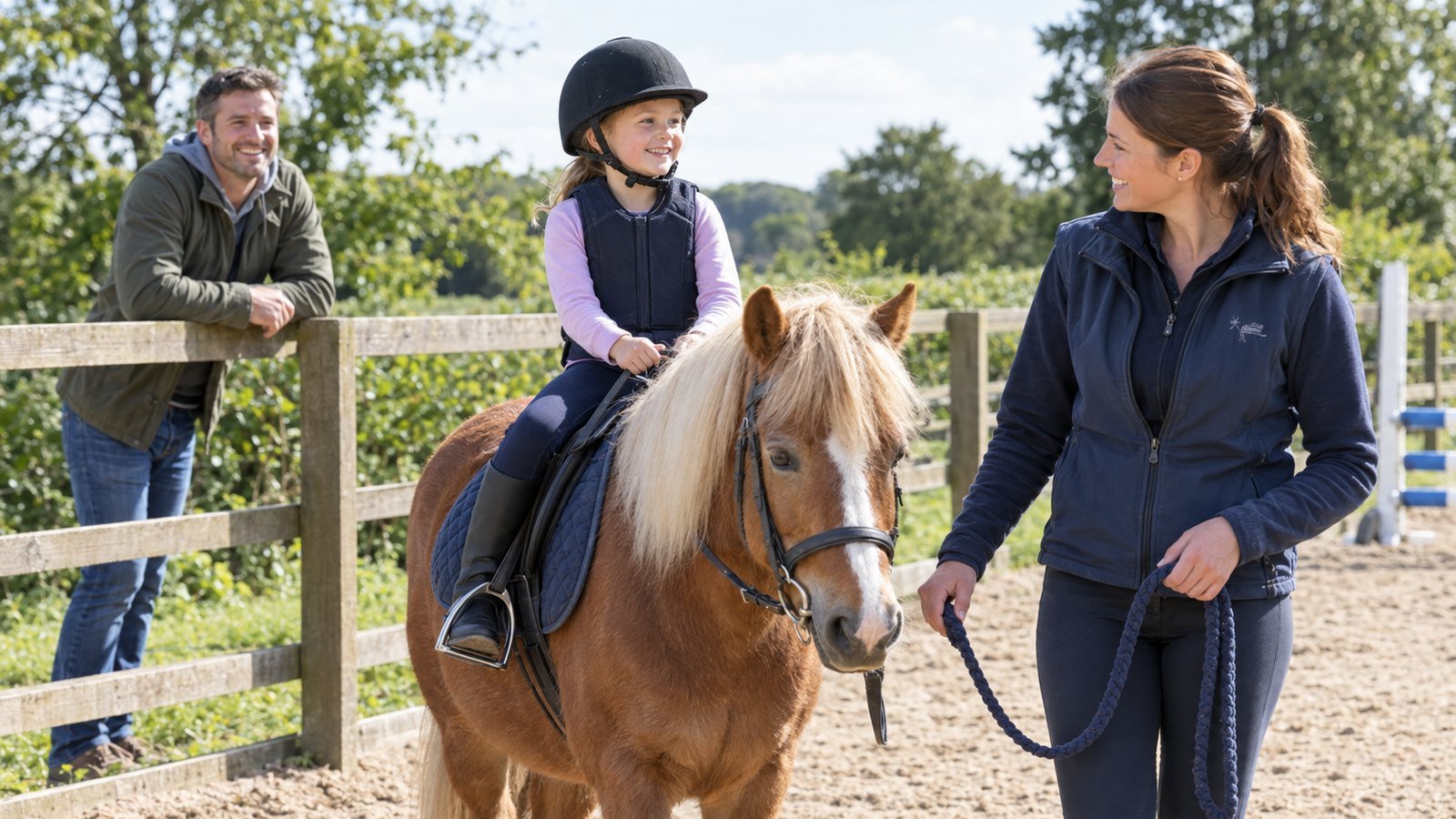
Whether you are booking your child's very first pony lesson or finally signing up for the beginner trail ride you have thought about for years, the hardest step often happens before you ever set foot in a barn: knowing how to choose a riding school and actually securing a spot.
If you have tried calling three local stables on a weekday afternoon, you already know why. Instructors are in the middle of teaching, social media pages list lesson times from two winters ago, and nobody tells you what information they need until you have exchanged ten messages.
A well-run stable—and a modern booking platform—makes that entire experience transparent from the start. Here is a complete guide for parents and beginner riders on what separates a great riding school from a chaotic one, why responsible stables care about horse-to-rider matching, and how to manage every ride for your family in one place.
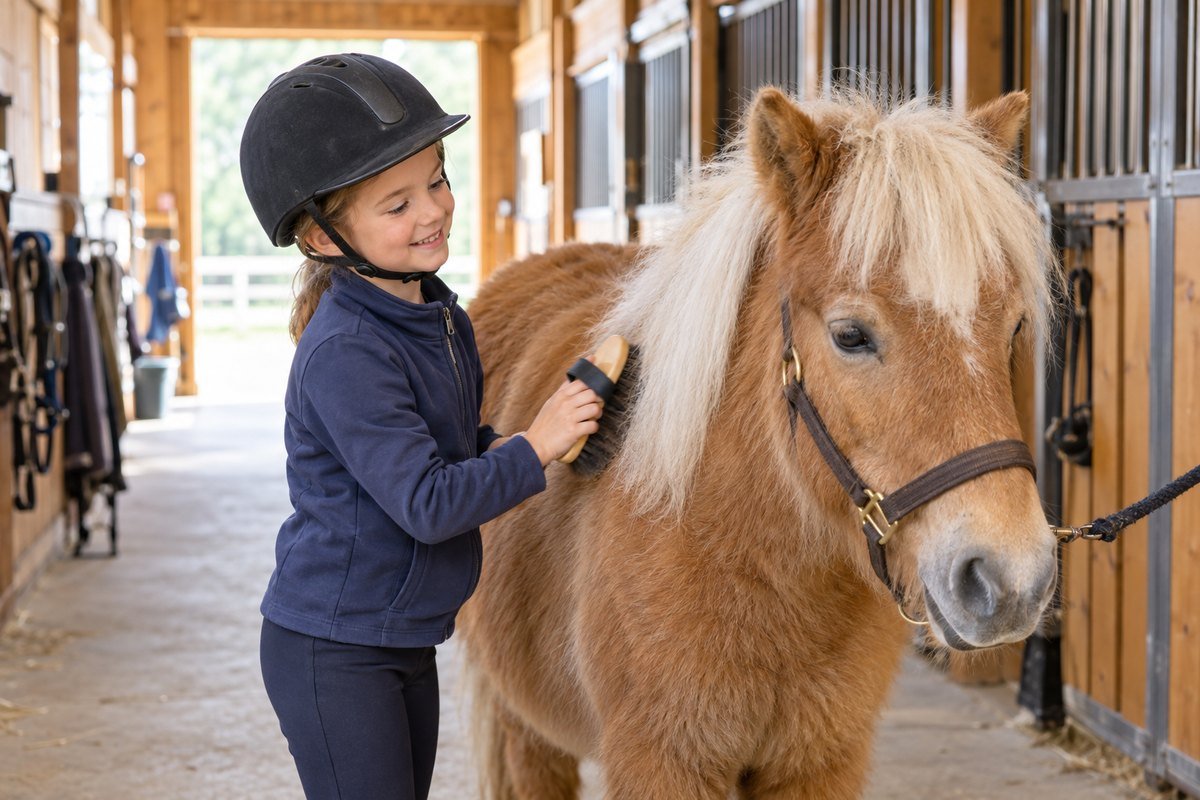
5 signs of a safe, well-run riding school
Before you request your first booking, look for these five green flags on a stable's profile and schedule:
- Visible horses with real profiles: Great stables are proud of their school horses. On Galloply, you can browse a stable's horses, see their photos, and read about their temperament and difficulty level before you book.
- Clear arenas and locations: Knowing whether your lesson takes place in an indoor arena, an outdoor sand ring, or a scenic trail helps you dress properly and arrive at the right gate.
- Defined group sizes and open slots: A beginner lesson needs focused attention. When a stable publishes appointments with an exact number of open rider slots, you can see immediately whether a session is a private lesson, a small group, or a larger trail ride.
- Thoughtful horse workload and safety rules: Stables that prevent overworked horses and double-booked arenas have calmer, sounder mounts—which directly translates into safer lessons for beginners.
- Confirmed bookings instead of vague chat promises: When your booking has a clear status (Requested, Accepted, Completed) and a readable appointment ID, nobody forgets that you are coming on Saturday morning.
Why responsible stables ask for rider skill, height and weight
Beginners and parents are sometimes surprised when a riding school asks for a rider's height, weight, and previous riding experience. In reality, a stable that asks for these details is a safer stable.
School horses come in every size, conformation, and temperament. When an owner or instructor knows a rider's skill level and physical measurements ahead of time, they can match the right horse to every rider before you arrive at the barn—making sure a child is not placed on a horse that is too big, and a school horse is never asked to carry more than its comfortable limit.
How to manage parent and child riders under one family account
In many families, a parent books lessons for one or two children—or rides alongside them on weekends. Creating separate email accounts and phone numbers for underage children is both inconvenient and a privacy risk.
Galloply is designed around family and dependent rider profiles:
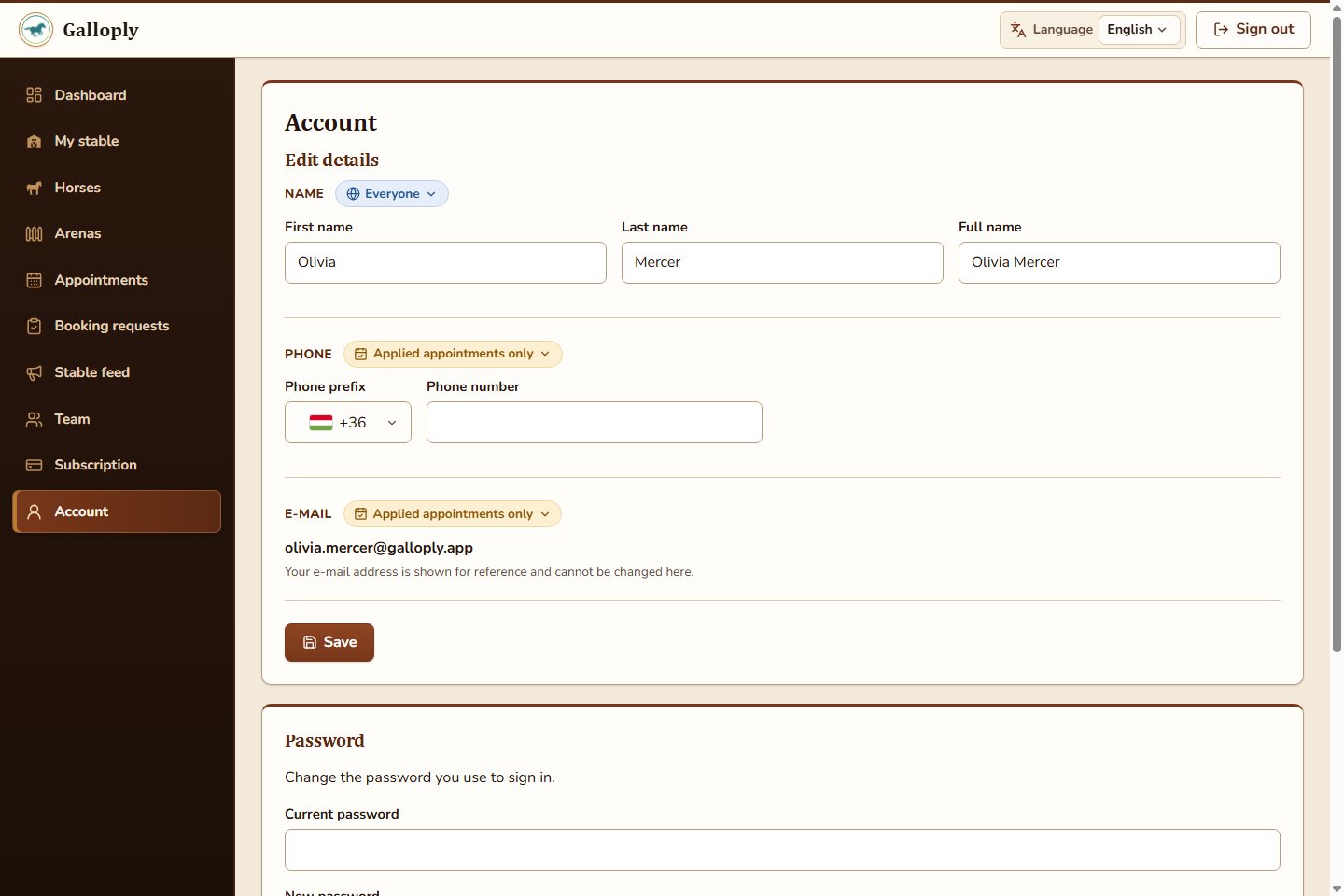
- One adult account, multiple rider profiles: A parent or legal guardian registers a single verified adult account and can create separate rider profiles for themselves ("Me") and for each child.
- No direct contact fields on child profiles: Dependent rider profiles never have their own email address or phone number; all communication stays safely with the adult account holder.
- Individual skill levels and privacy controls: Each rider profile has its own unique public nickname, skill level, and field-by-field privacy settings. You can keep your child's full name and measurements hidden from the public while sharing them only with the stable where you request a booking.
From your first booking request to the post-ride summary
Once your rider profiles are set up, booking a lesson or trail ride follows a clear, stress-free loop:
- Discover and favorite local stables: Search public stables, explore their arenas and horses, and tap the heart icon on your favorites so they always appear at the top of your list.
- Pick an open appointment and select the rider: Choose an upcoming lesson or trail ride with open spots, pick which family rider profile is joining, and send your booking request in seconds.
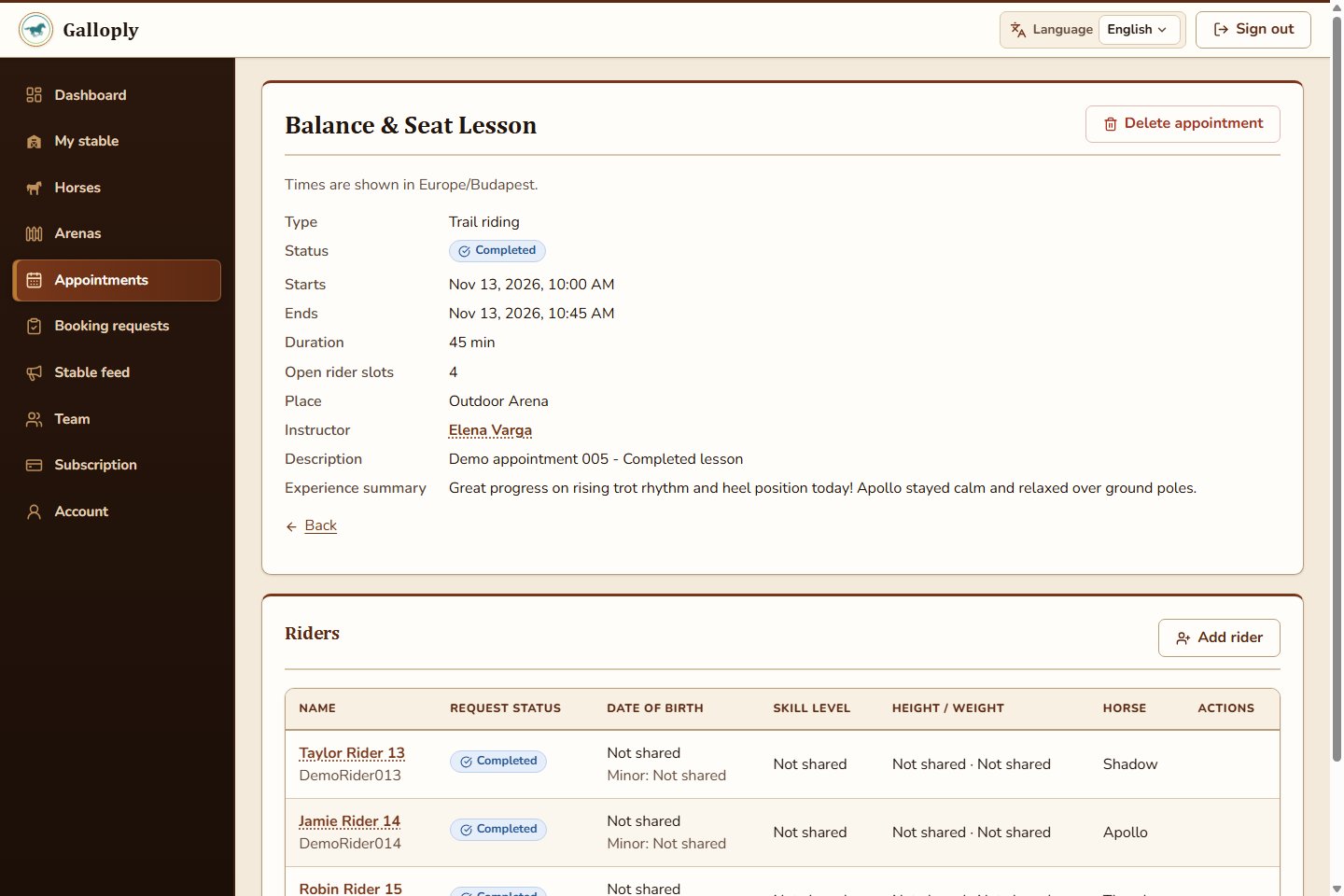
- See your assigned horse before the ride: Once the stable owner accepts your request and assigns a mount, you can see which horse is waiting for you or your child.
- Read the ride experience summary afterward: When the lesson is finished, the stable can publish an experience summary on the appointment—giving parents and riders a permanent record of what was practiced and how the ride went.
First-lesson checklist for parents and new riders
- Choose the right rider profile (Me or your child's profile) before requesting a slot.
- Keep your rider skill level and height/weight up to date (set visibility to Applied appointments only for maximum privacy).
- Check the appointment's location (arena or main stable) and duration so you arrive 15 minutes early.
- Wear long trousers and closed-toe boots with a small heel—and check the appointment description for any helmet or equipment notes from the stable.
Ready to find your stable and get in the saddle? Explore Galloply, browse public stables and open riding slots, and enjoy a smoother path from first booking to the arena.